





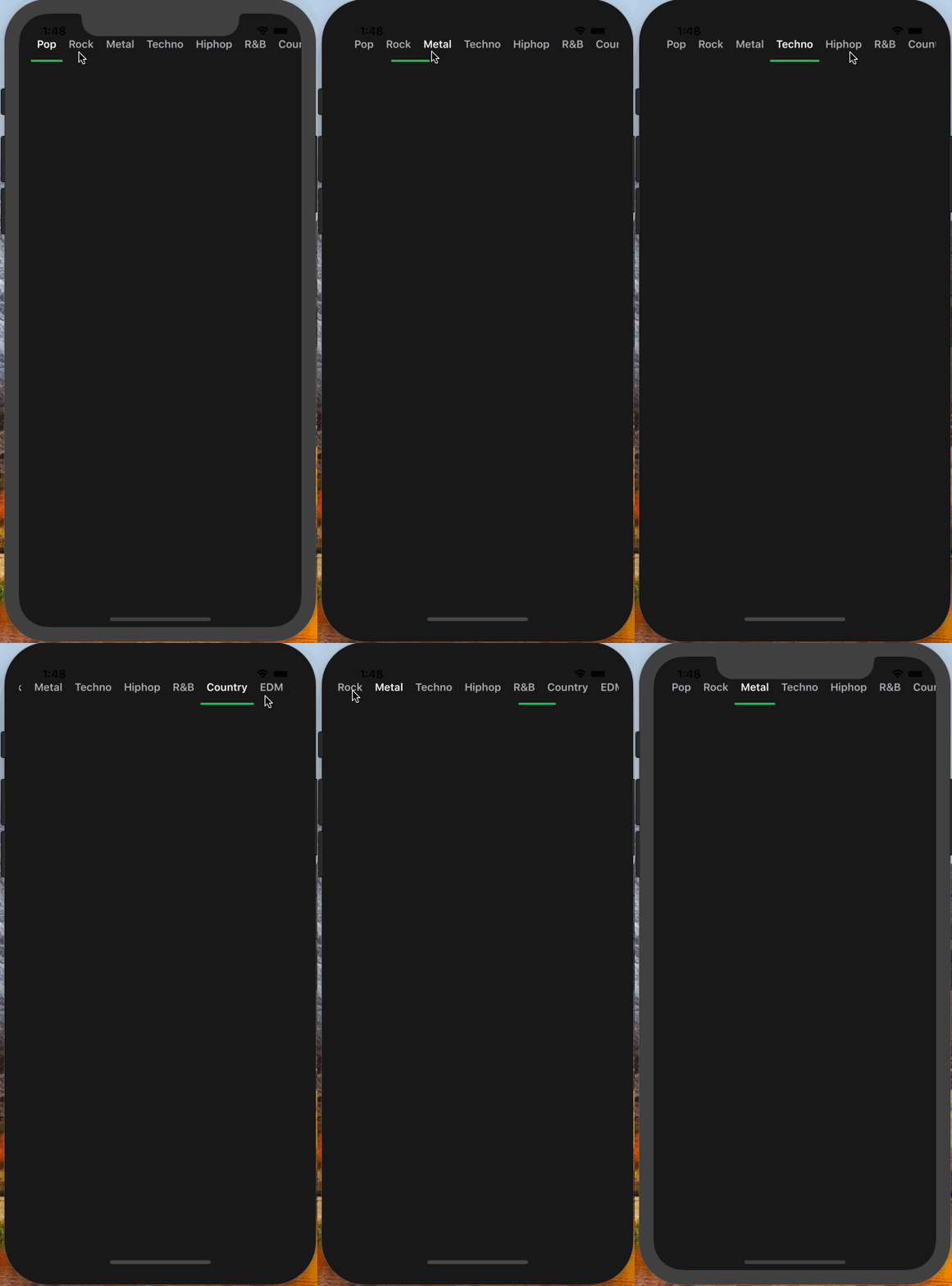
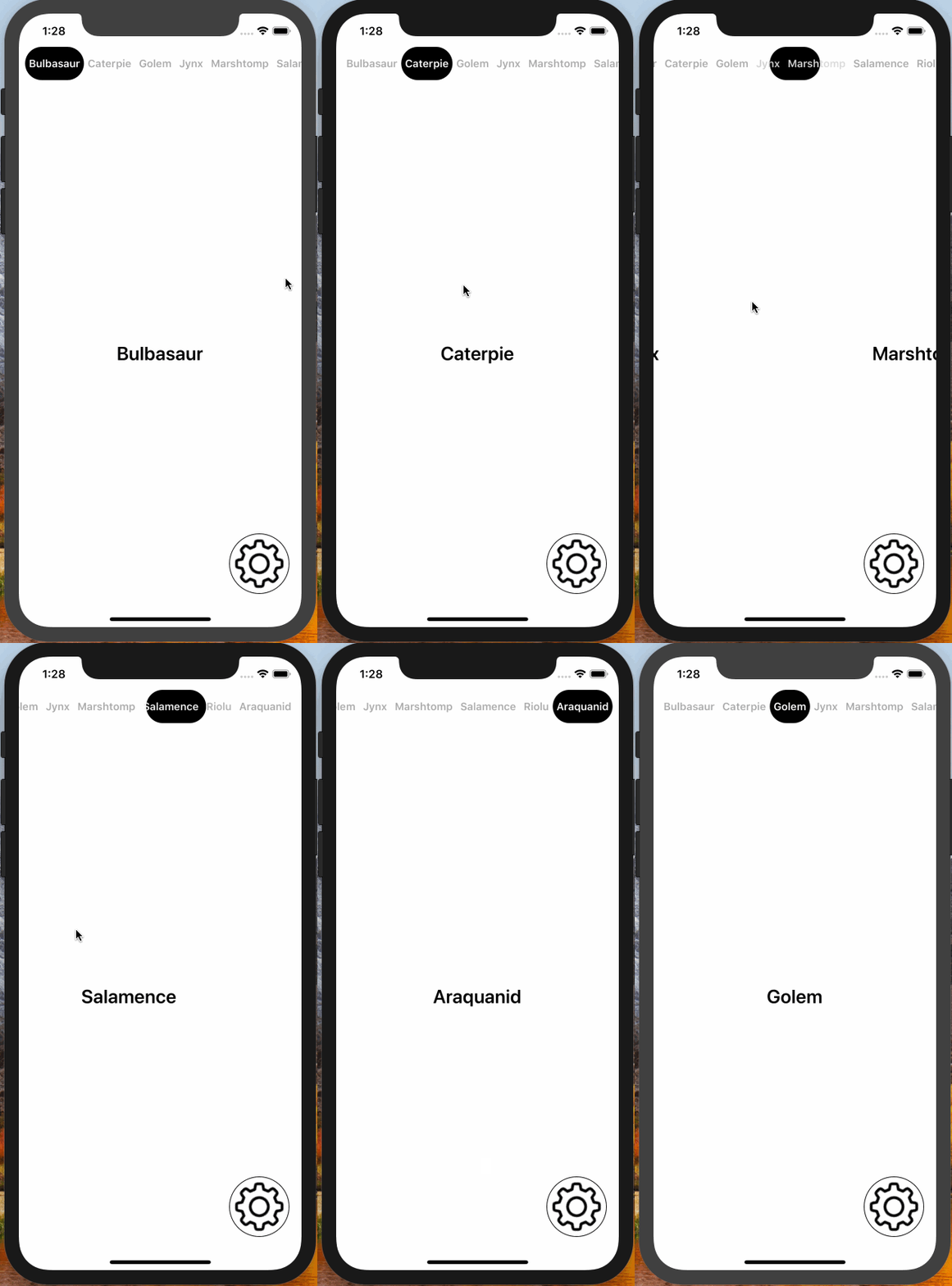
Swipe-based paging UI for iOS: a scrollable tab bar sits above a horizontally paging content area, and swiping the content keeps the tab selection in sync. Use it from UIKit through data source and delegate protocols, or from SwiftUI (iOS 18+) as SwipeMenu with a selection binding.
| Segmented Tab & Underline | Flexible Tab & Underline | Flexible Tab & Circle |
|---|---|---|
 |
 |
 |
- iOS 16.0+ (the SwiftUI
SwipeMenurequires iOS 18.0+) - Xcode 26.0+ / Swift 6.2+
Need an older toolchain or deployment target? Use the 4.x releases.
SwipeMenuViewController is distributed with Swift Package Manager. In Xcode, choose File ▸ Add Package Dependencies… and enter the repository URL, or add it to a Package.swift manifest:
dependencies: [
    .package(url: "https://github.com/yysskk/SwipeMenuViewController.git", .upToNextMajor(from: "5.0.0"))
]Subclass SwipeMenuViewController and add your pages as child view controllers. Each child becomes a page: its title is the tab title and its view is the page content.
import SwipeMenuViewController

final class MenuViewController: SwipeMenuViewController {

    override func viewDidLoad() {
        pages.forEach { addChild($0) }
        super.viewDidLoad()
    }

    private let pages: [UIViewController] = {
        let first = UIViewController()
        first.title = "First"
        let second = UIViewController()
        second.title = "Second"
        return [first, second]
    }()
}
To embed the paging UI in a view hierarchy you already have, add a SwipeMenuView directly and drive it through SwipeMenuViewDataSource — the Getting Started article walks through both approaches.
On iOS 18 and later, use SwipeMenu to drive the same UI from SwiftUI. The selected page is a binding — setting it is the equivalent of jump(to:animated:) — pages come from a view builder, and the appearance is configured with SwipeMenuOptions:
import SwiftUI
import SwipeMenuViewController

struct ContentView: View {

    @State private var selection = 0

    private let titles = ["First", "Second"]

    var body: some View {
        SwipeMenu(selection: $selection, titles: titles) { index in
            Text(titles[index])
                .frame(maxWidth: .infinity, maxHeight: .infinity)
        }
    }
}
The SwipeMenu in SwiftUI article covers the options, the paging callbacks, and the differences from the UIKit view.
The full API reference and guides are published with DocC:
- Getting Started — set up
SwipeMenuVieworSwipeMenuViewController - Customizing Appearance — every
SwipeMenuViewOptionsfield - SwipeMenu in SwiftUI — drive the same UI from SwiftUI with a selection binding
You can also build the documentation locally in Xcode with Product ▸ Build Documentation, or explore the Example app in this repository (its Xcode project is generated with XcodeGen — see the Example README).
Bug reports and pull requests are welcome. See CONTRIBUTING.md for how to build, test, format, and document your changes, then open an issue using one of the templates. Make sure the test suite passes before submitting:
xcodebuild test -scheme SwipeMenuViewController -destination 'platform=iOS Simulator,name=iPhone 16'See CHANGELOG.md for the release history.
SwipeMenuViewController is available under the MIT license. See the LICENSE file for details.